Kindergarten–Grade 2Curriculum · English: handwriting
Free Name Tracing Worksheet Generator
Enter a child's name and get a printable tracing practice sheet straight away. Choose dotted tracing, trace-and-copy, letter case and size.
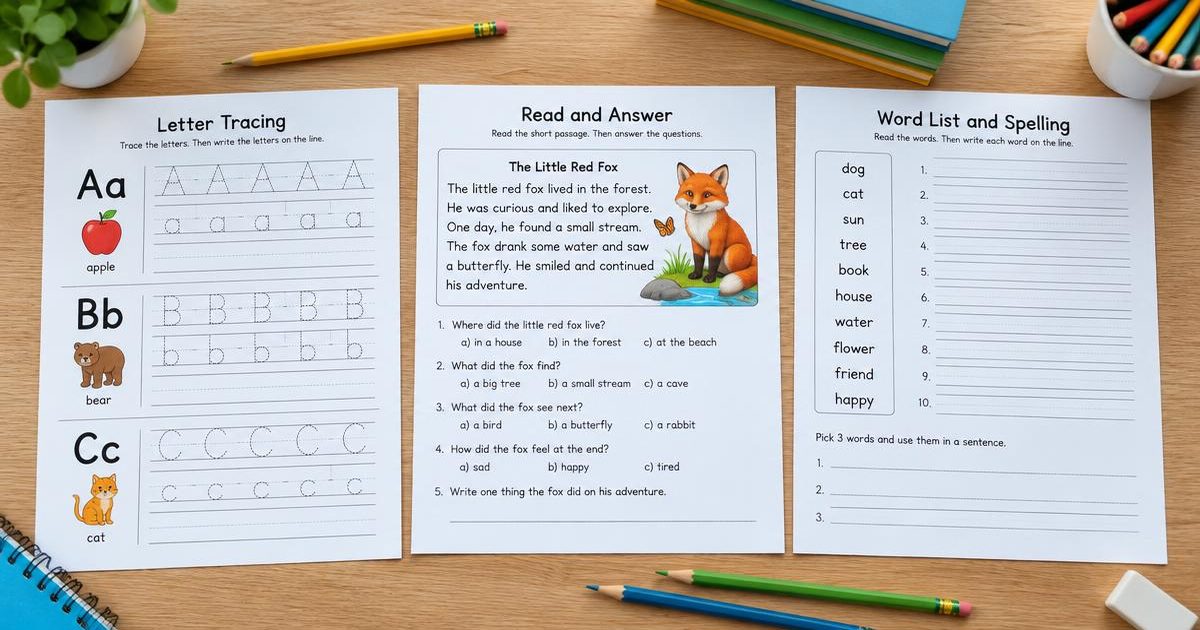
A ready worksheet is waiting below — print it as is or change the settings.
Name Tracing — Emma
Date: ____________
Created with WorksheetMint
How to use the tool
- Type the child's name.
- Choose capitalised, uppercase or lowercase letters.
- Set the letter size and how many lines to practise.
- Print the sheet, or choose Save as PDF in the print dialog.
About this generator
This name tracing generator makes the single most-requested preschool printable: a child's own name, repeated on ruled practice lines. Tracing lines show the name in light grey for writing over, and trace-and-copy adds blank lines so the child writes it independently. Sheets are formatted for US Letter or A4 and use plain black ink.
Popular uses
- Preschool and kindergarten name recognition
- First week of school name practice
- Home practice before starting school
- Fine motor and pencil control work
Plan a useful printable
Start with one clear learning goal and choose only the settings that support it. A short, focused sheet is often easier to explain, complete and review than a crowded page. The live preview makes it possible to check spacing, task count and difficulty before paper is used. Create another version when a class needs the same skill with different content.
Adapt it to the learner
Use fewer items, larger writing areas and familiar content for beginners. Increase the amount, range or complexity gradually for confident learners. Teachers can also combine the printable with oral instructions, pair work or a short follow-up discussion. Because every page is customizable, the same activity can support a warm-up, independent practice, homework or revision.
Print clearly and reuse
Choose A4 or US Letter to match the printer, then print at 100 percent whenever exact spacing matters. The PDF option uses the browser print dialog and creates a clean file for later use. Generated content is prepared in the browser, requires no pupil account and has no watermark. Review every sheet before sharing it, especially when you add your own words or text.
Frequently asked questions
- How do I make a name tracing sheet?
- Type the child's name, choose the letter style and size, and print. It takes a few seconds and no account is needed.
- Can I make uppercase or lowercase sheets?
- Yes — choose capitalised, all uppercase or all lowercase.
- What is trace and copy?
- The first lines are traceable grey letters and the remaining lines are blank, so the child writes the name independently.
- Is the child's name stored?
- No. The sheet is generated in your browser and the name is never sent to us.