Grade 4–9Curriculum · Maths: coordinates
Free Printable Graph Paper Generator
Make graph paper exactly the way you need it. Choose Letter or A4, set the grid spacing, line weight and margins, then print or save as PDF.
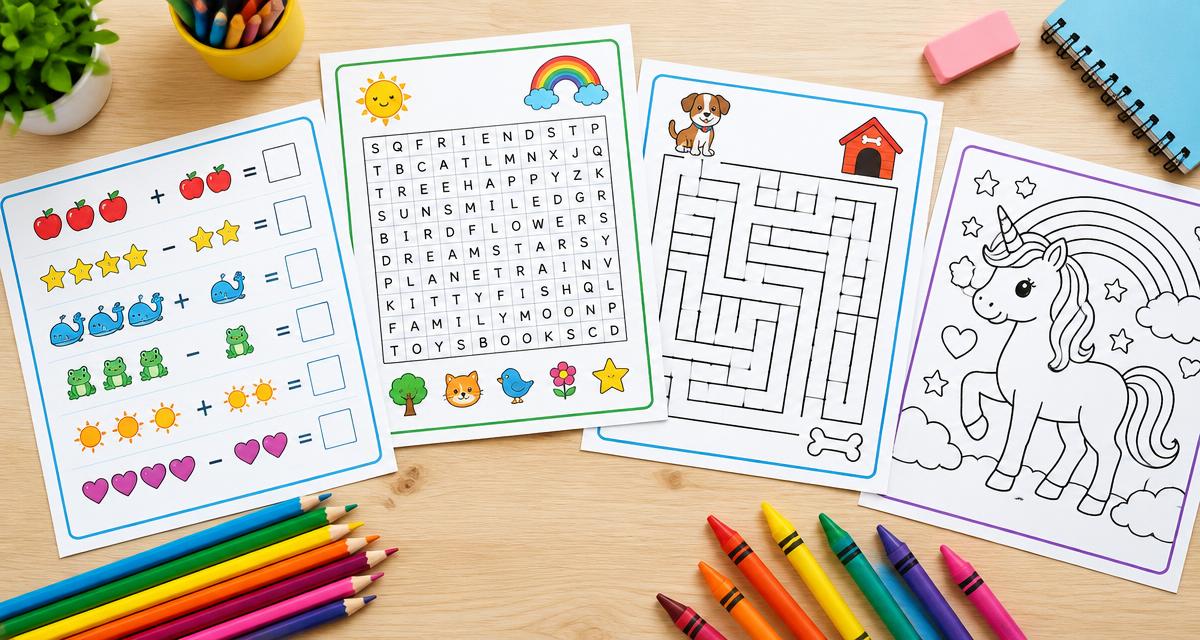
A ready worksheet is waiting below — print it as is or change the settings.
Created with WorksheetMint
How to use the tool
- Choose US Letter or A4.
- Pick a grid spacing preset, or type your own in millimetres.
- Adjust line weight and margin if you want.
- Print with scaling set to 100% so squares come out at true size.
About this generator
This graph paper generator draws a true-to-size grid for the paper you print on. Spacing presets cover the common classroom sizes — quarter inch, eighth inch, 5 mm and 10 mm — and custom spacing lets you set anything in between. Lines are drawn thin and grey-black so a full page uses very little ink, and margins can be widened for binders or notes.
Popular uses
- Maths homework, plotting and coordinate work
- Engineering and technical sketches
- Knitting, cross-stitch and pixel-art charts
- Bullet journalling and planning grids
- Handwriting and kanji practice squares
Plan a useful printable
Start with one clear learning goal and choose only the settings that support it. A short, focused sheet is often easier to explain, complete and review than a crowded page. The live preview makes it possible to check spacing, task count and difficulty before paper is used. Create another version when a class needs the same skill with different content.
Adapt it to the learner
Use fewer items, larger writing areas and familiar content for beginners. Increase the amount, range or complexity gradually for confident learners. Teachers can also combine the printable with oral instructions, pair work or a short follow-up discussion. Because every page is customizable, the same activity can support a warm-up, independent practice, homework or revision.
Print clearly and reuse
Choose A4 or US Letter to match the printer, then print at 100 percent whenever exact spacing matters. The PDF option uses the browser print dialog and creates a clean file for later use. Generated content is prepared in the browser, requires no pupil account and has no watermark. Review every sheet before sharing it, especially when you add your own words or text.
Frequently asked questions
- What grid sizes can I print?
- Quarter inch, eighth inch, 5 mm, 10 mm, or any custom spacing you type.
- Will it print at the exact size?
- Yes, as long as your printer is set to 100% scale (not 'fit to page') and you choose the paper size that matches your printer tray.
- Can I print A4 graph paper?
- Yes. Switch the page size to A4 and the grid is generated to A4 dimensions.
- Does it use much ink?
- No. Use the light or medium line weight and the grid prints with very little ink.