Grade 3Curriculum · Maths: number sense
Free Multiplication Worksheet Generator
Create printable times table worksheets for tables 1 to 12. Choose one table or mix several, set the number of questions, and print with an answer key.
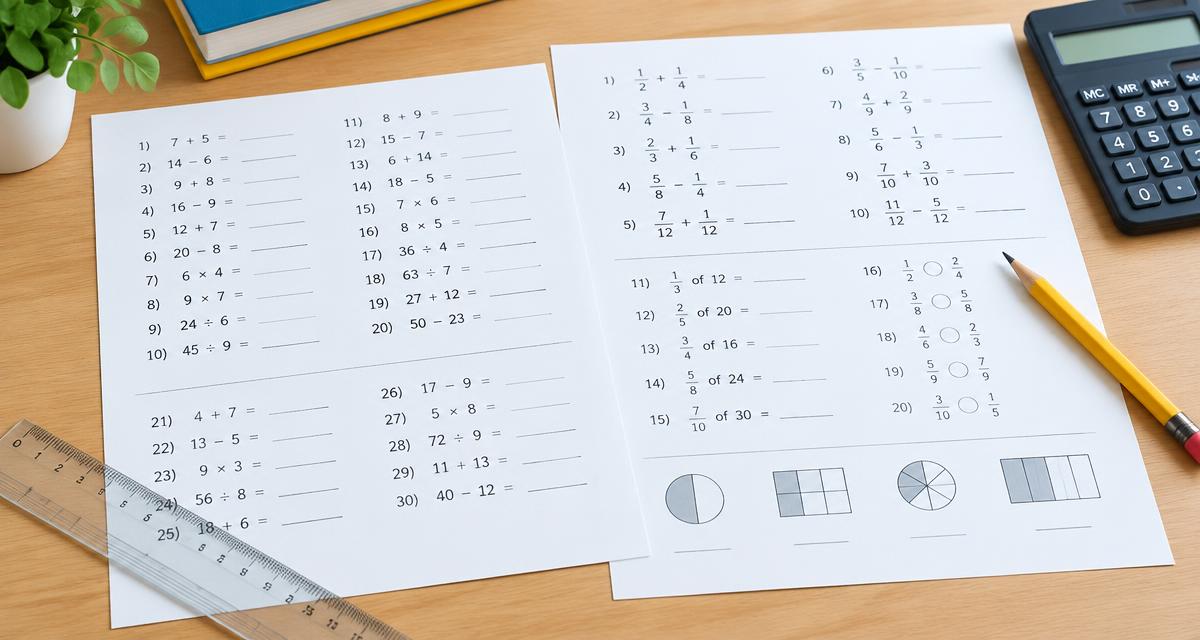
A ready worksheet is waiting below — print it as is or change the settings.
Multiplication Practice
Name: ______________________ Date: ____________
- 1.2 × 5 =
- 2.1 × 4 =
- 3.7 × 5 =
- 4.4 × 4 =
- 5.11 × 4 =
- 6.11 × 5 =
- 7.7 × 4 =
- 8.1 × 2 =
- 9.2 × 9 =
- 10.3 × 4 =
- 11.3 × 5 =
- 12.5 × 5 =
- 13.3 × 12 =
- 14.4 × 12 =
- 15.2 × 5 =
- 16.6 × 2 =
- 17.11 × 4 =
- 18.12 × 2 =
- 19.1 × 5 =
- 20.5 × 2 =
- 21.5 × 5 =
- 22.4 × 10 =
- 23.2 × 1 =
- 24.6 × 5 =
Answer Key
Name: ______________________ Date: ____________
- 1.2 × 5 = 10
- 2.1 × 4 = 4
- 3.7 × 5 = 35
- 4.4 × 4 = 16
- 5.11 × 4 = 44
- 6.11 × 5 = 55
- 7.7 × 4 = 28
- 8.1 × 2 = 2
- 9.2 × 9 = 18
- 10.3 × 4 = 12
- 11.3 × 5 = 15
- 12.5 × 5 = 25
- 13.3 × 12 = 36
- 14.4 × 12 = 48
- 15.2 × 5 = 10
- 16.6 × 2 = 12
- 17.11 × 4 = 44
- 18.12 × 2 = 24
- 19.1 × 5 = 5
- 20.5 × 2 = 10
- 21.5 × 5 = 25
- 22.4 × 10 = 40
- 23.2 × 1 = 2
- 24.6 × 5 = 30
Created with WorksheetMint
How to use the tool
- Select the times tables you want to practise.
- Choose how many questions and the highest factor.
- Pick horizontal or vertical layout.
- Print the sheet, or press Create New Version for fresh questions.
About this generator
This multiplication worksheet generator produces randomised times table practice for any combination of tables from 1 to 12. Facts are shown in both orders so children learn that 7 × 4 and 4 × 7 are the same, and an answer key is generated alongside every sheet. Nothing is saved or uploaded — worksheets are built in your browser and print in plain black ink.
Popular uses
- Weekly times table tests and speed drills
- Focused practice on one difficult table
- Mixed review before a maths assessment
- Homeschool and summer practice packets
Plan a useful printable
Start with one clear learning goal and choose only the settings that support it. A short, focused sheet is often easier to explain, complete and review than a crowded page. The live preview makes it possible to check spacing, task count and difficulty before paper is used. Create another version when a class needs the same skill with different content.
Adapt it to the learner
Use fewer items, larger writing areas and familiar content for beginners. Increase the amount, range or complexity gradually for confident learners. Teachers can also combine the printable with oral instructions, pair work or a short follow-up discussion. Because every page is customizable, the same activity can support a warm-up, independent practice, homework or revision.
Print clearly and reuse
Choose A4 or US Letter to match the printer, then print at 100 percent whenever exact spacing matters. The PDF option uses the browser print dialog and creates a clean file for later use. Generated content is prepared in the browser, requires no pupil account and has no watermark. Review every sheet before sharing it, especially when you add your own words or text.
Frequently asked questions
- Can I practise a single times table?
- Yes. Deselect the tables you don't need and keep just one — for example the 7 times table.
- Are answer keys included?
- Yes, the answer key prints on its own page when the option is switched on.
- Which grades is this for?
- Most children learn tables between second and fifth grade, but the tool works for anyone practising multiplication facts.
- Can I get a different worksheet each day?
- Yes. Press Create New Version and the questions are randomised again.